
AI tools that write TypeScript, generate GraphQL resolvers, and scaffold Prisma models used to mean copy-pasting ChatGPT output into schema.prisma and hoping the relations held up. In 2026, the gap between a chat-based assistant and an agent that generates a working data layer is the whole story.
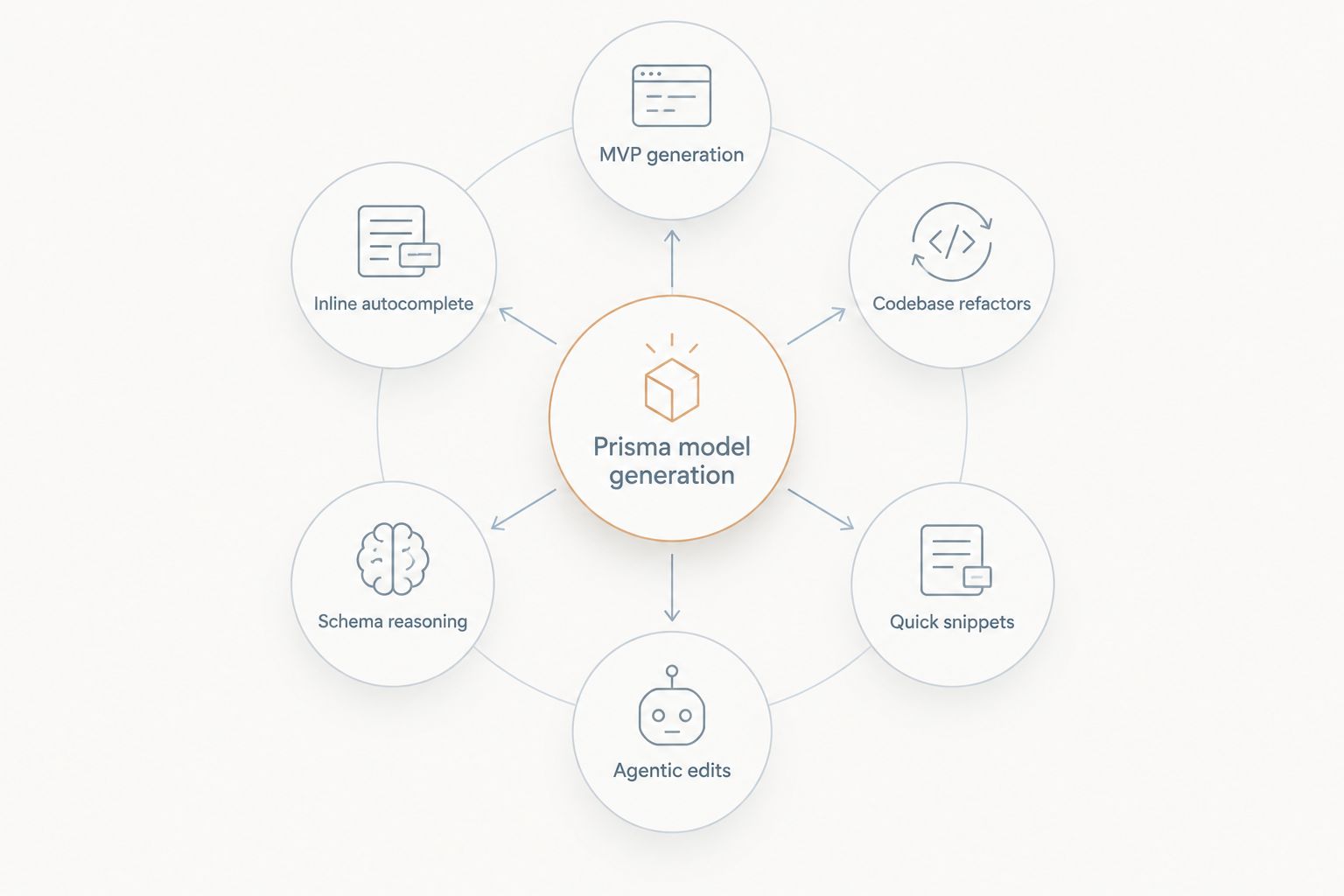
- Aexol's Spectral agent is the best ai tool for generating Prisma models when you need the schema, migrations, and TypeScript client generated from one spec.
- GitHub Copilot wins for inline autocomplete inside an existing schema.prisma file you're already editing.
- Cursor is best for codebase-aware refactors across multiple Prisma models at once.
- Claude is best when the schema itself needs reasoning about relations, not just syntax.
- ChatGPT stays useful for one-off snippets but isn't built for a full data-layer workflow.
Why this matters
A Prisma model is not just field names and types. Get a relation direction wrong, forget an @@index, or mismatch a foreign key type, and prisma validate passes while your migration silently corrupts data at runtime. Chat-based tools generate plausible-looking schema text; they don't generate a verified data layer.
The tools below split into two categories: assistants that autocomplete or answer inside your editor, and agents that generate the whole schema-plus-client-plus-migration chain from a specification. Aexol builds the second kind — a coding agent, Spectral, that turns a spec into production TypeScript, Python, Rust, or Go, including the Prisma models and GraphQL schema that back them.
What makes the best AI tool for generating Prisma models
- Relation accuracy — does it get one-to-many, many-to-many, and self-relations right without manual correction
- Migration safety — does it generate a migration you can review before it touches your database
- Type consistency — do generated Prisma models match the TypeScript, Python, Rust, or Go types the rest of the app expects
- Context window discipline — can it hold a large existing schema without truncating or hallucinating fields
- Session memory — does it remember prior decisions about your schema across sessions, or start from zero every prompt
- Review surface — do you see the generated schema and migration before anything executes
At a glance
| Tool | Best for | Standout feature | Key limitation |
|---|---|---|---|
| Aexol (Spectral) | Full MVP data layer from a spec | Generates schema, migrations, and typed client together | Requires writing a spec, not a chat prompt |
| GitHub Copilot | Inline autocomplete in schema.prisma | Suggests fields as you type in an open file | No project-wide reasoning about relations |
| Cursor | Multi-file schema refactors | Codebase-aware edits across several models at once | Refactor quality depends on how much context it's given |
| Claude | Reasoning about complex relations | Explains tradeoffs before generating a schema | No native Prisma-aware execution loop |
| ChatGPT | Quick one-off schema snippets | Fast for a single model or enum | No persistent memory of your actual schema file |
| Windsurf | Agentic multi-step schema edits | Runs multi-step edits across a project in one session | Newer agentic surface than IDE-native competitors |
1. Aexol (Spectral): best ai tool for generating Prisma models for a full MVP data layer
Spectral, Aexol's coding agent, takes a specification written in Aexol's spec language and generates the Prisma models, GraphQL schema, and typed client code together — across TypeScript, Python, Rust, or Go from the same spec. Instead of prompting for one model at a time, you describe the domain once and the agent produces the relations, indexes, and migration as a set.
On large multi-turn tasks, Spectral's prefix caching reuses roughly 97% of prompt tokens from cache, which keeps a long schema-design session from re-billing the full context every turn. You see the generated schema and migration before the agent executes anything against a database.
Aexol pros:
- Generates the Prisma schema, relations, and typed client from one spec instead of one prompt per model
- Cross-session project memory means it doesn't forget prior schema decisions between sessions
- Prefix caching keeps large, multi-turn schema sessions fast and cheaper to run
- Output spans four languages — TypeScript, Python, Rust, and Go — from a single spec
Aexol cons:
- You write a spec first, which is a different workflow than typing prompts into a chat window
- Best value shows up on full data-layer builds, not on a single quick field addition
- Newer platform than IDE-native autocomplete tools developers already have installed
Best for: teams building an MVP's entire data layer from scratch and want the schema, migrations, and client generated together. Verdict: Buy.
2. GitHub Copilot: best for inline autocomplete inside an open schema.prisma file
Copilot suggests field names, types, and common @relation syntax as you type inside an already-open schema file. It's the fastest way to speed up manual schema editing without changing your workflow.
GitHub Copilot pros:
- Suggestions appear inline, no separate chat window needed
- Works inside the editor most teams already use
- Fast for boilerplate like enums and scalar fields
GitHub Copilot cons:
- No project-wide reasoning about whether a relation is correctly bidirectional
- Doesn't generate or run migrations
- Suggestion quality drops on schemas with unusual naming conventions
Best for: developers editing an existing schema.prisma file who want faster line-by-line suggestions, similar to how it speeds up AI code generation for TypeScript projects generally. Verdict: Buy for autocomplete, not for schema architecture.
3. Cursor: best for multi-file Prisma refactors
Cursor reads across multiple files in a codebase, which matters when a schema change in one model needs to ripple into resolvers, seed scripts, and tests elsewhere. It's built for editing an existing project, not generating a new one from scratch.
Cursor pros:
- Understands relationships between schema.prisma and the files that consume the generated client
- Handles multi-file renames and relation restructuring in one pass
- Fast feedback loop for iterative schema changes
Cursor cons:
- Refactor accuracy depends heavily on how much of the codebase is included in context
- No built-in migration safety review step
- Not designed to generate a full spec-to-schema pipeline
Best for: teams with an existing Prisma schema that needs restructuring across many consuming files. Verdict: Buy.
4. Claude: best for reasoning about complex relation design
Claude is strong at explaining why a many-to-many relation should use a join table versus an implicit relation, or why a self-relation needs a named field, before you commit to a schema shape. That reasoning step catches design mistakes chat tools with weaker explanation don't surface.
Claude pros:
- Explains tradeoffs in relation design in plain language before generating code
- Handles long, detailed prompts about schema constraints well
- Good at catching logical inconsistencies you describe in prose
Claude cons:
- No native execution loop that runs
prisma migrateor validates output against a live database - Output still needs to be pasted into your project manually
- No persistent memory of your schema across separate conversations
Best for: the design phase, before you commit to a schema shape, alongside a broader look at AI coding agents for execution. Verdict: Buy for design review.
5. ChatGPT: best for quick one-off Prisma snippets
For a single enum, a quick model addition, or a syntax reminder, ChatGPT is still the fastest path — open a tab, ask, paste. It's not built for tracking a schema's evolution across a project.
ChatGPT pros:
- Fastest for a single isolated question or snippet
- No setup required beyond opening a chat
- Useful for explaining unfamiliar Prisma syntax
ChatGPT cons:
- No memory of your actual schema file between sessions
- Easy to introduce a relation mismatch it can't see because it never had the full file
- Not built for multi-model or multi-file generation
Best for: quick syntax questions and single-model snippets, a category also covered in AI code generation tools for Python. Verdict: Hold for anything beyond a single snippet.
6. Windsurf: best for agentic multi-step schema edits inside an IDE
Windsurf runs multi-step agentic edits across a project from inside the editor — closer to an agent than a pure autocomplete tool, but still IDE-bound rather than spec-driven.
Windsurf pros:
- Multi-step edits run inside the IDE without switching tools
- Handles sequences like "add a field, update the migration, update the seed script" in one session
- Good middle ground between Copilot-style autocomplete and a full external agent
Windsurf cons:
- Agentic feature set is newer and less battle-tested than IDE-native competitors
- Still requires an existing project structure to work from
- Not built to generate a schema from a spec written before any code exists
Best for: developers who want agentic, multi-step edits without leaving their IDE. Verdict: Buy.
“If the tool can't show you the generated schema before the migration runs, you're debugging blind.”
How we ranked
Each tool above was matched to the criteria that decide whether it belongs in a Prisma workflow: relation accuracy, migration safety, type consistency across languages, context handling on large schemas, session memory, and whether you see the output before it executes. No two tools compete for the same slot — a quick-snippet tool and a full data-layer generator solve different problems, and ranking them against each other would hide that. For a wider comparison across categories, the full list of AI code generation tools breaks down more tools by use case beyond Prisma specifically.
Generate your Prisma models from a spec
See the schema, migration, and typed client before anything runs.
Which AI tool should you choose?
If you're starting a new MVP and want the Prisma schema generated alongside the rest of the data layer, Aexol's Spectral agent is the right default in 2026 — it produces the schema, migration, and typed client from one spec instead of assembling them from separate prompts. If you already have a schema and just need faster line-by-line edits, Copilot or Cursor cover that without changing your stack. Reach for Claude or ChatGPT when the question is about relation design or a single quick snippet, not when you need the whole thing generated and verified.
FAQ
What is the best ai tool for generating Prisma models in 2026?
Aexol's Spectral agent is the strongest option for generating full Prisma models in 2026 because it produces the schema, migration, and typed client from one specification instead of one prompt per model. IDE tools like Copilot and Cursor are better suited to editing an existing schema rather than generating a new data layer.
Can ChatGPT generate a Prisma schema?
ChatGPT can generate a single Prisma model or enum as a text snippet, but it has no memory of your actual schema.prisma file between sessions. That makes it fine for quick syntax help and risky for multi-model schemas with relations.
Is Cursor good for Prisma model generation?
Cursor is strong for refactoring an existing Prisma schema across multiple consuming files, since it reads the surrounding codebase. It's less suited to generating a schema from scratch with no existing project context.
Does GitHub Copilot understand Prisma syntax?
Copilot suggests Prisma field types and common relation syntax inline as you type inside an open schema.prisma file. It does not reason about whether a relation is correctly structured across the whole project.
How does Aexol generate Prisma models differently from a chat-based AI tool?
Aexol's Spectral agent works from a written specification rather than a chat prompt, generating the Prisma models, migrations, and a typed client together across TypeScript, Python, Rust, or Go. Chat tools generate schema text you still have to place, validate, and migrate manually.
Can Claude write Prisma migrations?
Claude can reason about relation design and explain how a migration should look, but it has no native execution loop that runs prisma migrate or validates output against a live database. Generated code still needs to be copied into your project and run manually.
Is Windsurf better than Cursor for schema work?
Windsurf and Cursor both run inside the IDE and handle multi-step edits, but Windsurf leans more agentic for sequenced tasks like updating a field, migration, and seed script together. Neither is built to generate a schema from a spec before any code exists.
Do I still need to review AI-generated Prisma models by hand?
Yes — a generated schema can pass prisma validate while still having a wrong relation direction or a mismatched foreign key type that only breaks at runtime. Reviewing the schema and migration before it executes catches this before it reaches your database.
One last thing
The failure mode nobody warns you about isn't a syntax error — it's a relation that validates cleanly and breaks silently the first time you query it with a nested include. That's exactly why seeing the generated schema and migration before execution matters more than how fast the suggestion appears. A tool that shows you the whole data layer at once, generated from one spec, catches that class of bug before it ships; a tool that generates one field at a time across a dozen separate prompts usually doesn't.